Fishy turns a fish coloring page into a whole-class moment. Students color a printed fish on paper, you scan each page with your phone, and the fish swims into one shared aquarium on the classroom TV or projector. By the end of the lesson, the screen is full of fish the class made together.
How it works in a lesson
- Print. Print one page per student from the fish coloring pages or from the Print menu in the Fishy app. Keep the QR codes in the corners uncut.
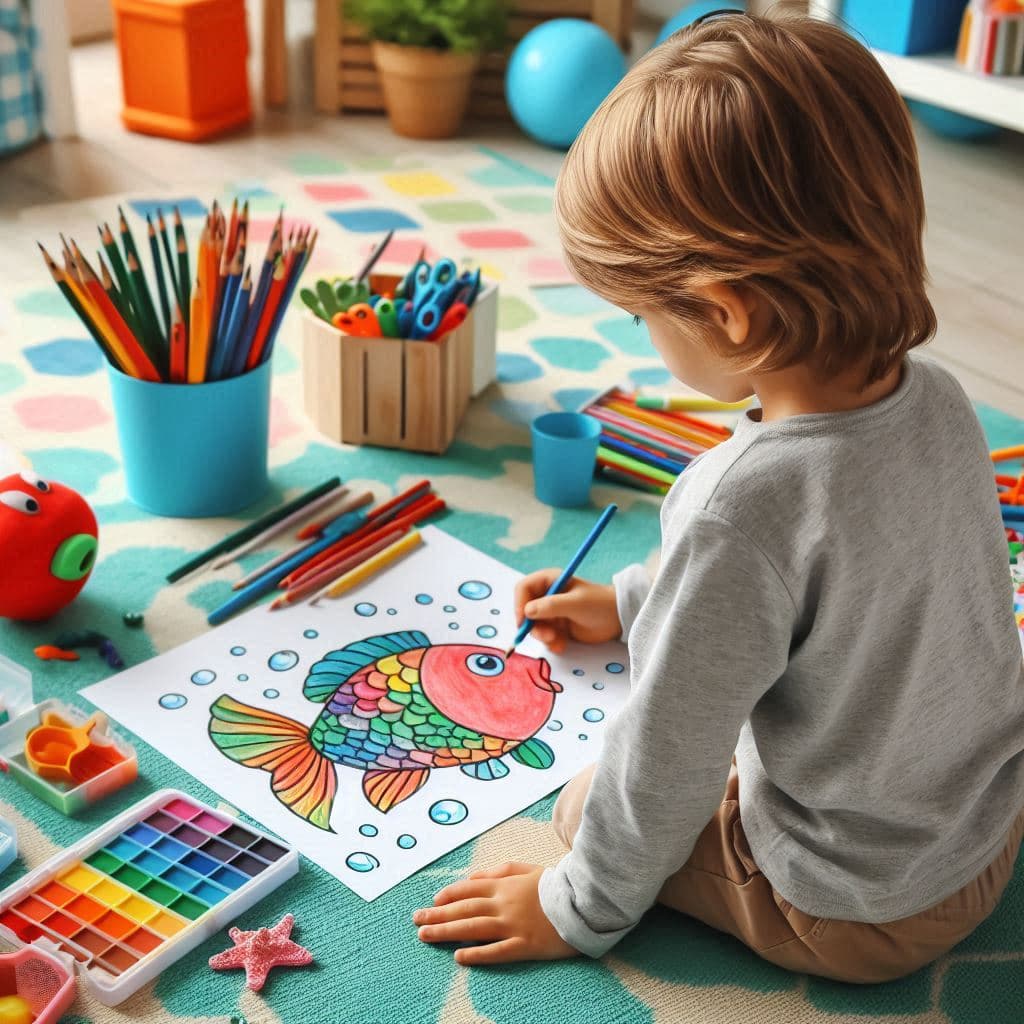
- Color. Students color their fish with crayons, markers or colored pencils, leaving the QR codes clear.
- Scan. Collect the finished pages and photograph each one with your phone in the Fishy app. The app crops the fish from the page.
- Swim. Open your aquarium's share link on the classroom screen. Every fish you scan joins the same tank.
One teacher phone is enough. Because the drawing happens on paper, there are no tablets to hand out, charge or share, and no student logins to manage.
Ideas for an ocean or marine life unit
- Design a real species. Ask students to pick a reef fish, look at photos, and copy its colors and markings onto their page. The aquarium becomes a class reef they can talk about.
- Invent a fish. Students design a new fish, give it a name, and write two sentences about where it lives and what it eats.
- Color and pattern practice. For younger children, set a simple rule such as "stripes on the tail" or "three colors only", then find each fish on the screen together.
- Show and tell. When a fish swims in, its artist describes it to the class. Shy children often find it easier to talk about something on the screen.
- Calm transitions. Leave the aquarium on during quiet reading or snack time. It gives the room one gentle thing to watch.
Looking for more ocean lessons? See ocean activities for kids and why creative play matters.
Kindergartens and preschools
Small children love finding "their" fish on a big screen. Coloring builds fine motor skills, and seeing the drawing move gives an immediate, concrete reward for finishing a task. Keep the activity short: color in the morning, scan during a break, and reveal the aquarium before pickup so parents can see it too.
Primary and elementary classes
Older students can treat the page as a design brief. Combine it with research on habitats or camouflage, or with a short writing task about their fish. The Halloween anglerfish makes it easy to repeat the activity in October, and in December students can color any fish outline in festive colors (see the Christmas coloring page for ideas).
Pricing for schools
Free and personal plans are for home use only. A school, kindergarten or after-school program uses the enterprise plan: $100 per aquarium per month or $1,080 per aquarium per year, with up to 30 fish per aquarium. A monthly plan suits a single ocean unit; a yearly plan suits a classroom that uses Fishy all year. See the pricing page for details.
Frequently asked questions
What does a classroom need to use Fishy?
Printed fish coloring pages, crayons or markers, one phone to scan the finished pages, and a TV, projector or computer screen that can open a web page. Students do not need their own devices.
How many students can add a fish?
Each paid aquarium holds up to 30 fish, so most classes can have one fish per child. You can remove fish to make room for a new group.
Which plan does a school or kindergarten use?
Free and personal plans are for home use only. A school, kindergarten or other organization uses the enterprise plan, which is $100 per aquarium per month or $1,080 per aquarium per year.
Do students need accounts or email addresses?
No. The teacher signs in to Fishy and scans the pages. Children only color on paper and watch the shared aquarium.
What age group is it for?
Any child who can hold a crayon. Younger children color the outline freely, while older students can draw patterns and research the fish they are designing.
Which coloring pages are available?
The Print menu in the Fishy app has 11 fish outlines, from very simple fish for younger children to an anglerfish that gets a Halloween effect. Each page has QR codes in the corners that must stay uncolored so the scan can find the fish.